
Decommissioning a system and recovering refrigerant
Weigh what you recover against the unit's expected charge, get the customer's sign-off, and submit — Climexa flags anything outside your company's tolerance for you.
Walkthrough
Three steps to decommission a system.
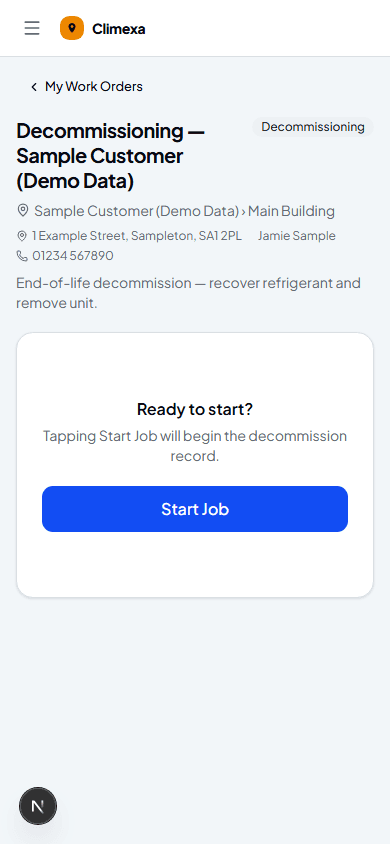
Start the job
Decommissioning jobs start the same way as any other — Start Job begins the decommission record for the asset on the work order.
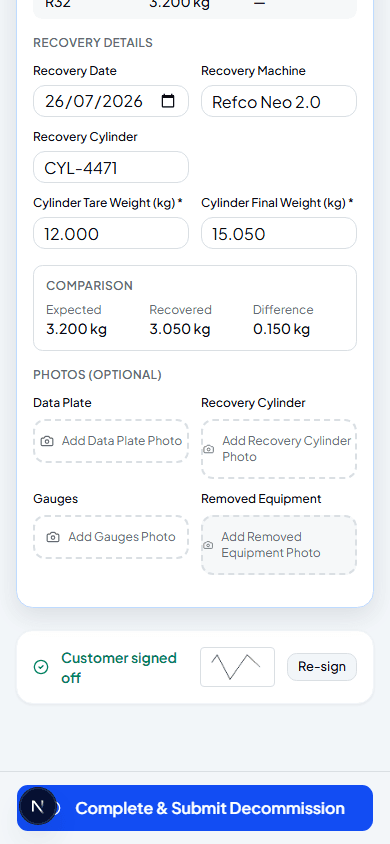
Record recovery weights and get sign-off
Enter the recovery cylinder's tare and final weight — Climexa works out what you recovered and compares it to the unit's expected charge, flagging a reason if the difference is outside your company's set tolerance. Customer Sign-Off is required before you can submit.
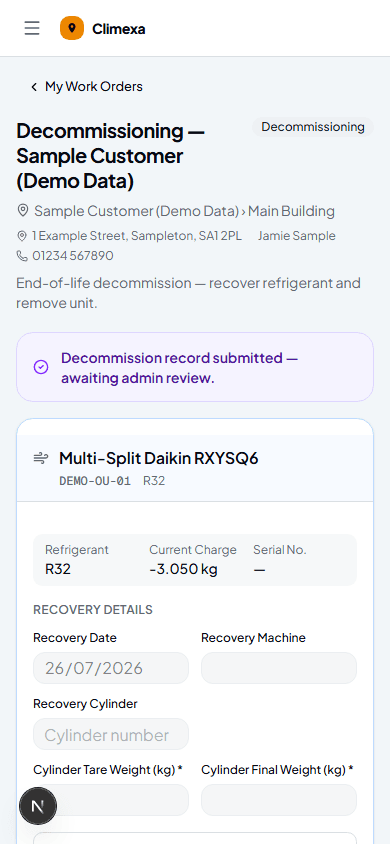
Submit the decommission
Complete & Submit Decommission sends it for admin review. Unlike a commissioning record, there's no pull-back option here — check your figures before you submit.
Frequently asked
What if the recovered amount doesn't match the expected charge?
If the difference is within your company's set tolerance, nothing extra is needed. Outside it, you'll be asked to select a reason — previous leak, compressor failure and so on — before you can submit.
Can I decommission more than one asset on the same job?
Yes — Add another asset lets you register more than one outdoor unit on the same decommission job if the site has several being removed together.
Are the photo slots required?
No — data plate, recovery cylinder, gauges and removed equipment photos are all optional, though worth adding for your own records.
Experience Climexa with a free 30-day trial.
See how installation, commissioning, servicing, compliance and customer reporting work together in one platform.
- 30-day free trial
- No credit card required
- Full platform access