
Setting up your company profile
Add your logo, contact details and F-Gas certification once, from Settings, and they carry through onto every report and customer-facing document automatically.
Walkthrough
One form, then a couple of related settings on the same page.
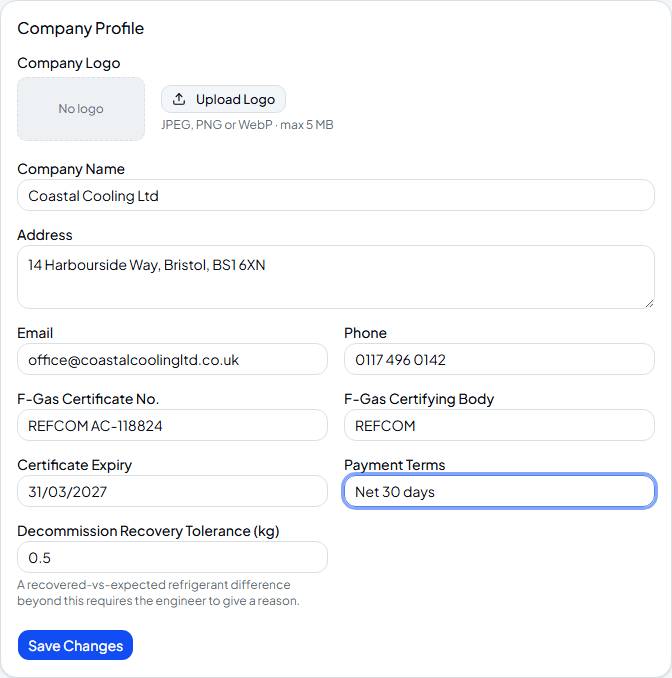
Fill in your company details
From Settings, add your logo, address, contact details, F-Gas certificate number and certifying body, payment terms, and your decommission recovery tolerance — the amount a recovered refrigerant reading can differ from the expected charge before an engineer has to give a reason for the mismatch.
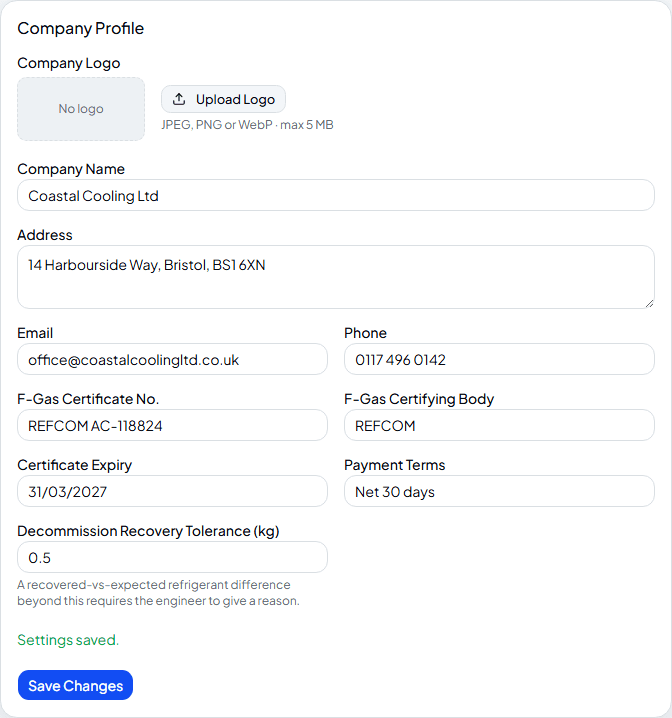
Save your changes
Hit Save Changes and everything here — logo included — starts appearing on new PDF reports, F-Gas logs and any document a customer downloads.
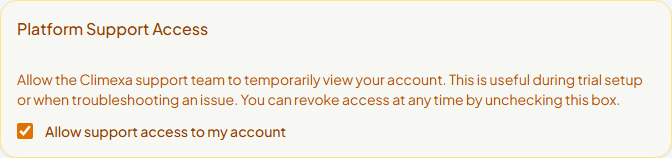
Decide on platform support access
Just below, you'll find Platform Support Access — switched on by default during your trial so the Climexa team can help you get set up. Leave it on while you're getting started, or switch it off any time; it's entirely up to you.
Frequently asked
Where does my logo actually show up?
On every PDF service report and F-Gas compliance log your company generates, including the copies your customers download.
What's the decommission recovery tolerance for?
When an engineer decommissions a system, the app compares what they actually recovered against what the refrigerant ledger expected. Stay within this tolerance and nothing extra happens; go beyond it and they're prompted to explain the difference before they can submit.
Can I set up subcontracting partnerships with other Climexa companies?
Get in touch with us to arrange it — our team links the two companies, and a Partnerships panel then appears on this page for you to accept, decline or end it. It's not something you can set up yourself from Settings.
Experience Climexa with a free 30-day trial.
See how installation, commissioning, servicing, compliance and customer reporting work together in one platform.
- 30-day free trial
- No credit card required
- Full platform access