
Setting up your profile
Update your name and email, decide whether you also do field work, and set a password you'll actually remember.
Walkthrough
Three quick things, all on the same page.
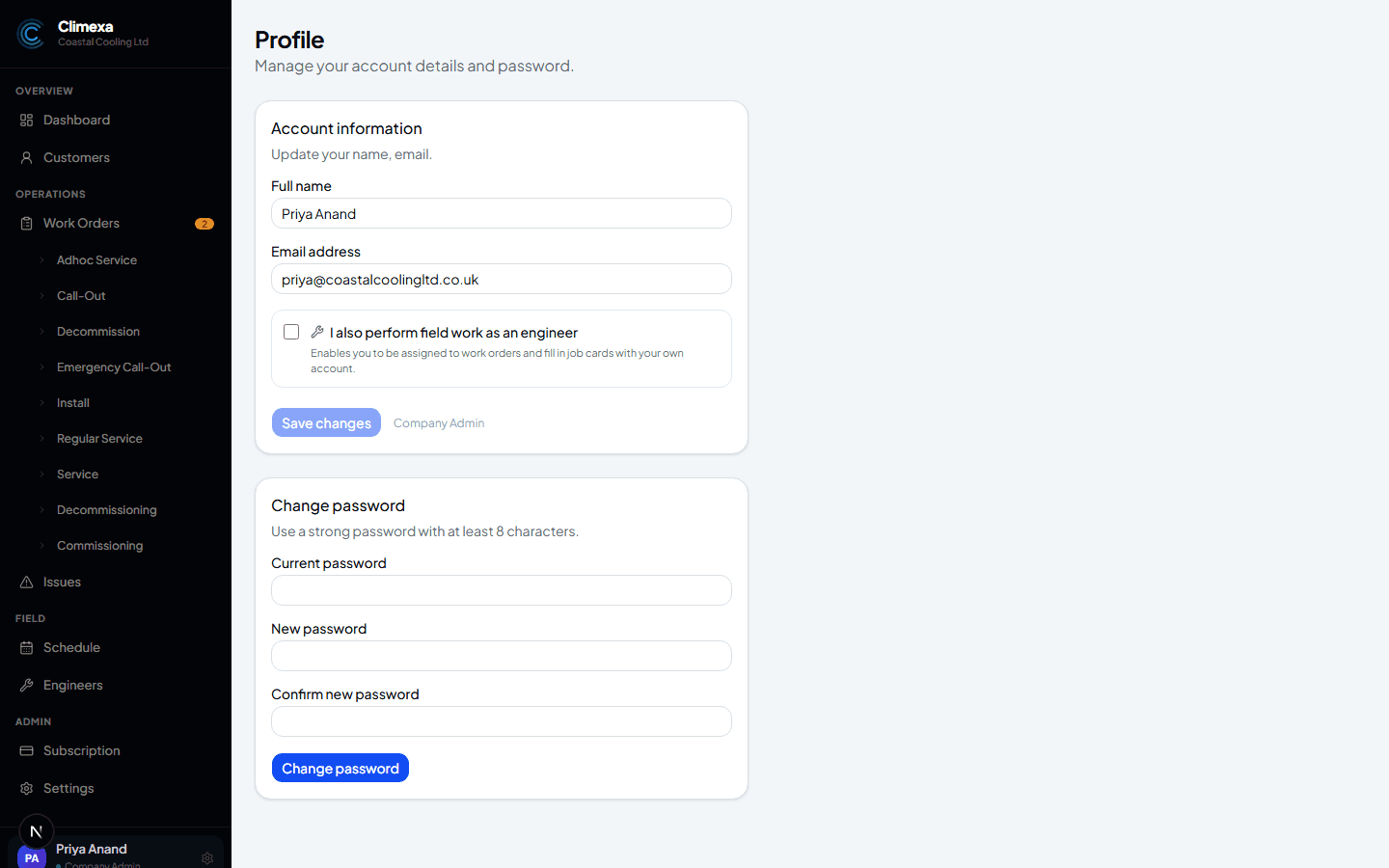
Update your account details
Open Profile from the bottom of the sidebar to change your name or email address. The Save Changes button only lights up once you've actually changed something.
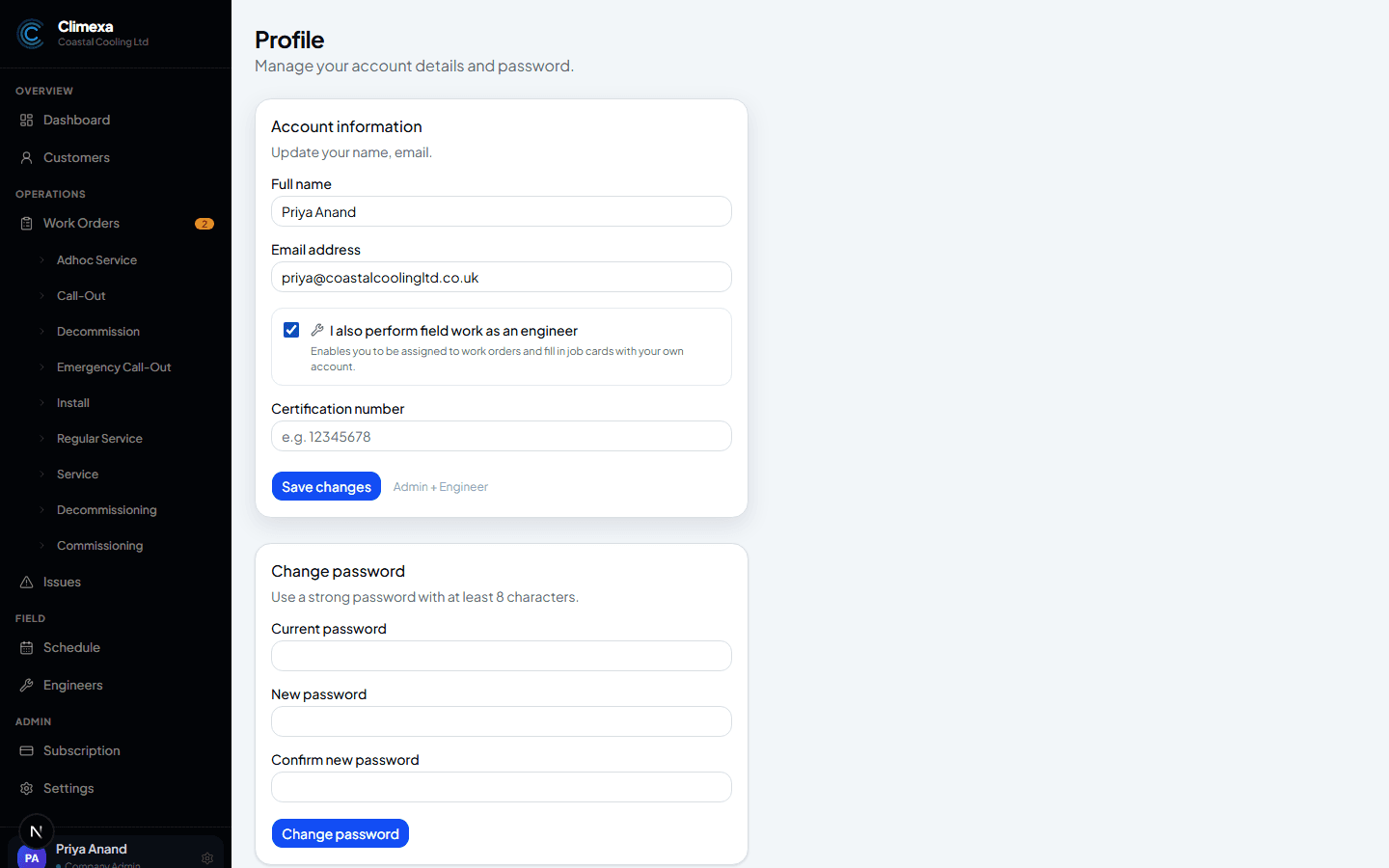
Turn on field access if you also do site work
If you're an admin who also gets out on jobs yourself, tick “I also perform field work as an engineer.” It adds a certification number field here, and unlocks a switch on your account between office and field views — engineer accounts already work this way by default.
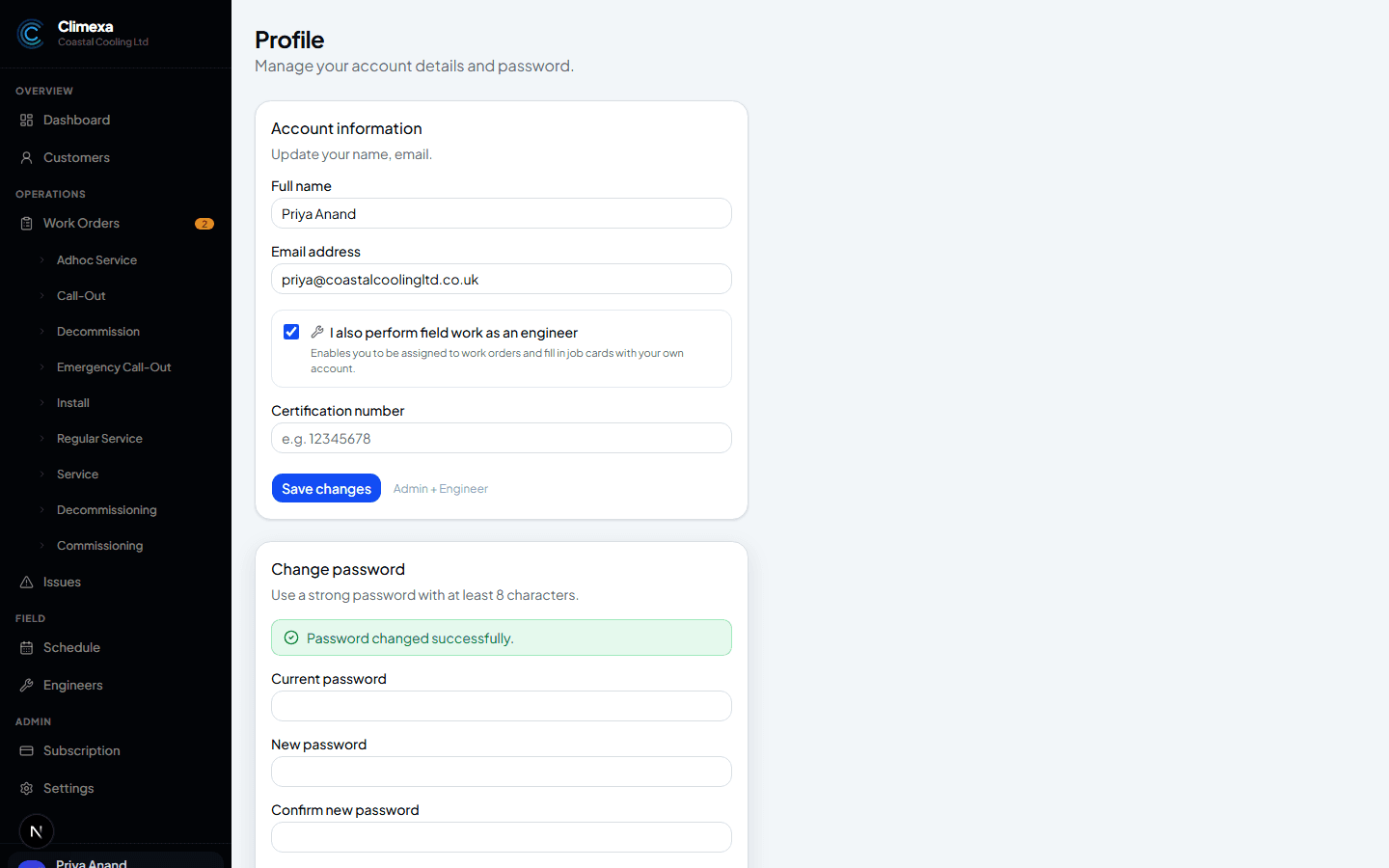
Set a permanent password
Enter your current password once and your new one twice — at least 8 characters, with one uppercase letter and one number. You'll see a confirmation the moment it's changed.
Frequently asked
What if I don't do any field work myself?
Leave the checkbox off — nothing changes, and you'll only ever see the office side of the app.
Can I turn field access off again later?
Yes, any time, from the same page.
Does my engineer need to do this too?
No — this toggle is only for admins who also do site work. Every engineer account already has field access by default.
Experience Climexa with a free 30-day trial.
See how installation, commissioning, servicing, compliance and customer reporting work together in one platform.
- 30-day free trial
- No credit card required
- Full platform access