
Starting your 30-day free trial
From the signup form to your first login — no credit card, and your account arrives pre-loaded with sample data so there's something to explore straight away.
Walkthrough
Four steps, and the last one drops you straight into your dashboard.
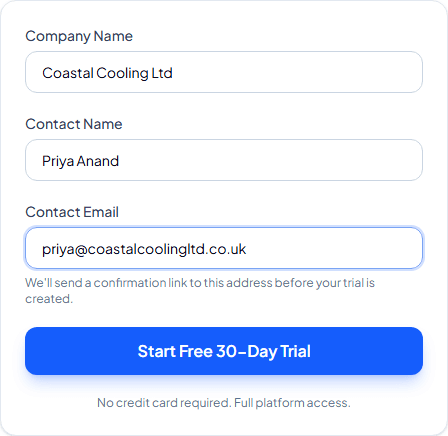
Fill in your details
Head to the Start Free Trial page and enter your company name, your name, and a work email address. There's nothing to pay and nothing to cancel — just three fields.
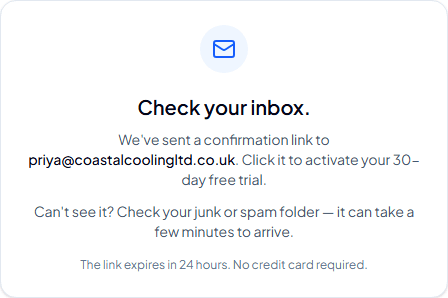
Confirm your email address
We send a confirmation link to the address you entered. Click it within 24 hours to activate your trial — nothing is created until you confirm, so your inbox won't end up with an account it never asked for.
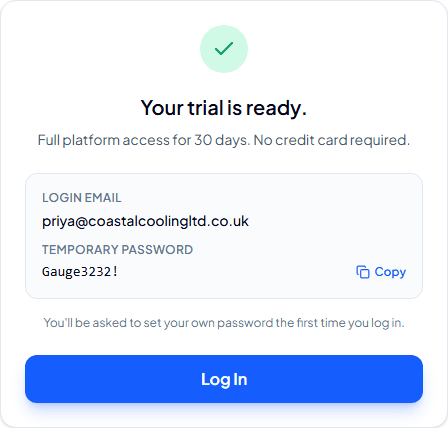
Collect your login details
Once confirmed, you'll see your login email and a one-time temporary password. Copy it — you'll need it for your very first login.
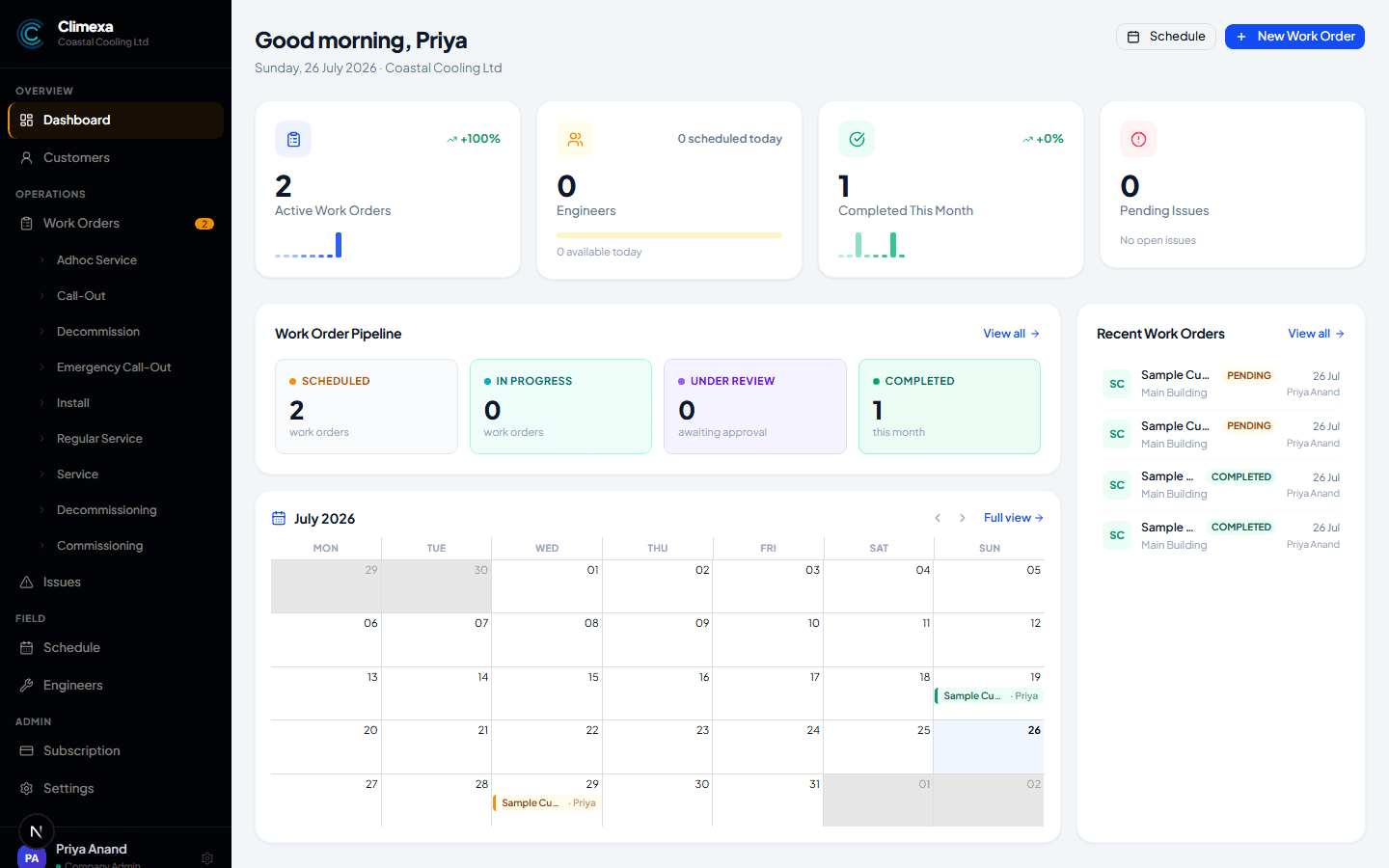
Log in to your dashboard
Follow the Log In button through to the app and sign in with the temporary password. You'll land straight on your dashboard, pre-loaded with sample data — head to your profile whenever you like to set a permanent password.
Your trial isn't empty. We pre-load a sample customer, a few units and a couple of work orders so you can see how everything fits together before you add your own — delete it whenever you're ready from Settings.
Frequently asked
Do I need a credit card to start?
No. Full platform access for 30 days, no card details required anywhere in the signup.
What happens when the 30 days are up?
Your account switches to read-only — everything you've entered stays safe and visible, but new work orders, units and other changes are paused until you subscribe. Data is archived after a further 60 days of inactivity.
Can I invite my team before I've subscribed?
Yes — add engineers and other admins at any point during the trial. See “Adding engineers and admins.”
Is the sample data real?
No — it's a fictional customer and a couple of work orders so the product feels populated from day one. Remove it any time from Company Settings once you've started adding your own.
Experience Climexa with a free 30-day trial.
See how installation, commissioning, servicing, compliance and customer reporting work together in one platform.
- 30-day free trial
- No credit card required
- Full platform access