
Switching between admin and field view
If you both run the office and get out on the tools, Climexa lets you swap between the two without signing out.
Walkthrough
Three steps to move between admin and field view.
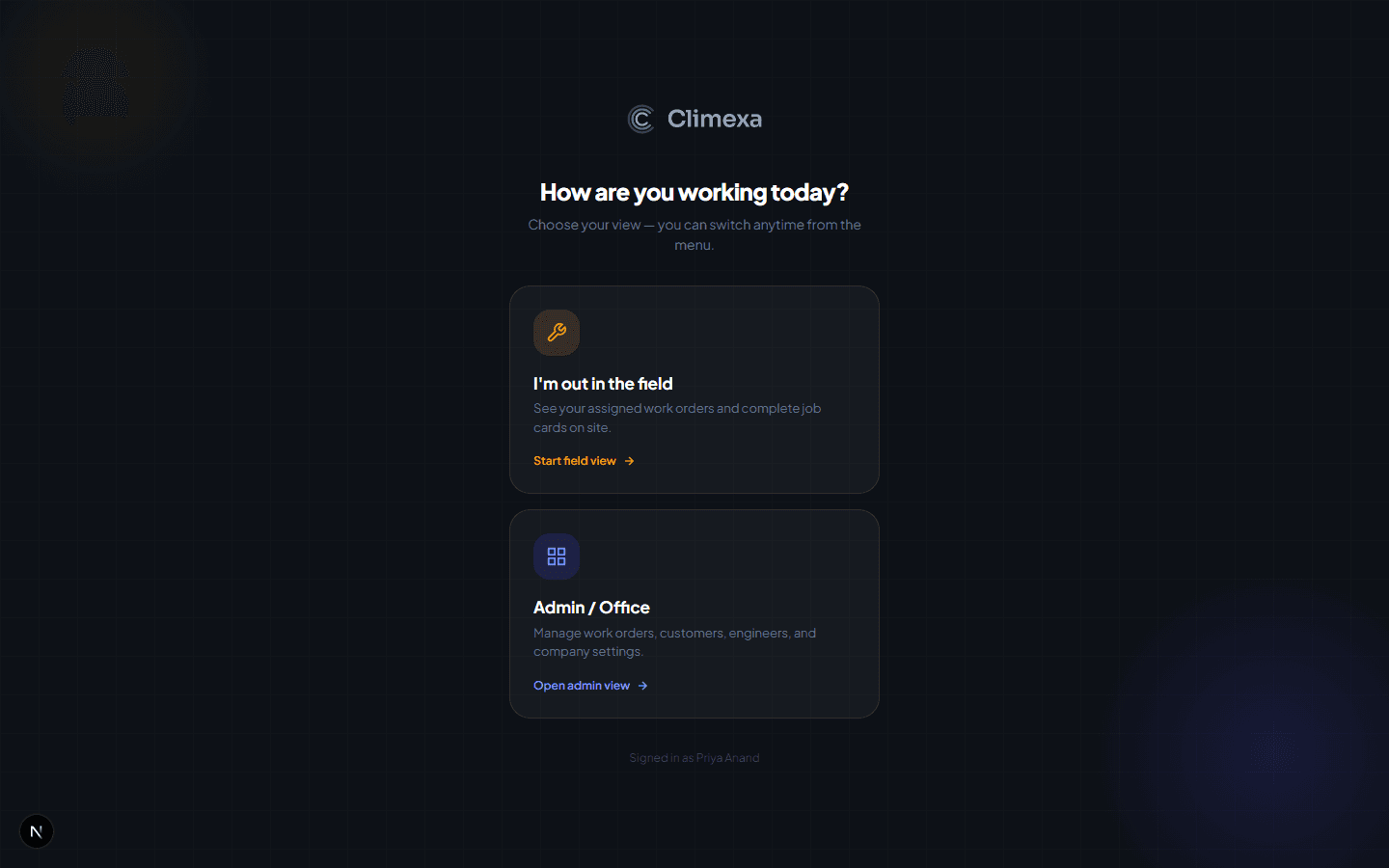
Choose your view when you sign in
Anyone with field access set on their profile sees this screen at login — Admin / Office for the full back office, or I'm out in the field for your assigned work orders and job cards.

Switch view any time from the sidebar
Once you're in, a Switch to field view link sits near the bottom of the admin sidebar — no need to sign out and back in to change your view mid-session.
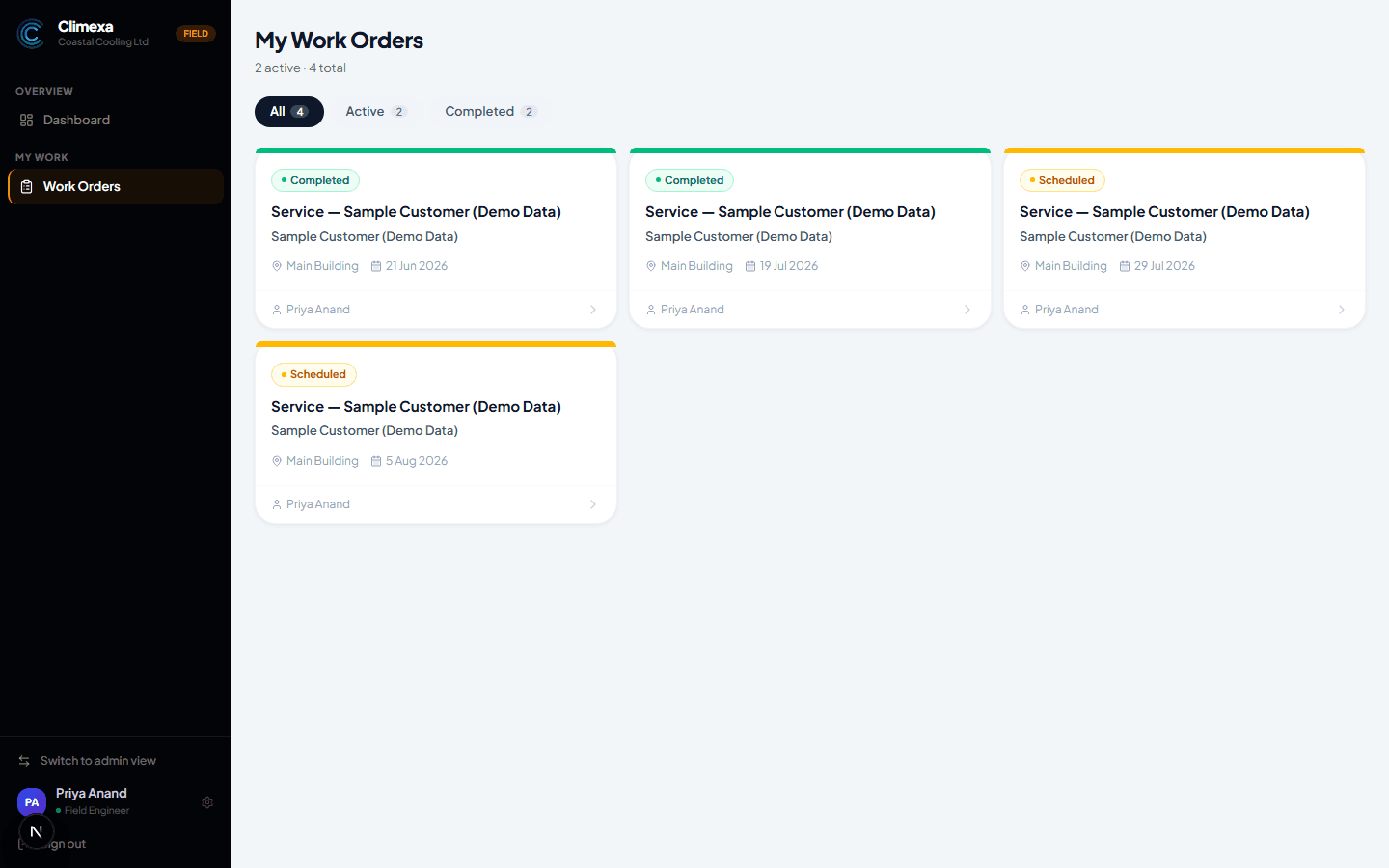
Land straight on your work orders
Field view takes you straight to My Work Orders — just what's assigned to you. Switch to admin view in the field sidebar takes you back the same way, any time.
Frequently asked
Who gets both views?
Anyone with field access turned on in their profile — usually an owner-operator or a working supervisor, not every admin.
Where do I turn field access on?
Your profile page — tick I also perform field work as an engineer and add your certification number. It's covered in Setting up your profile.
Does switching view change what work is assigned to me?
No — it only changes what you're looking at. Your assigned work orders are the same whichever view you're in.
Experience Climexa with a free 30-day trial.
See how installation, commissioning, servicing, compliance and customer reporting work together in one platform.
- 30-day free trial
- No credit card required
- Full platform access